Business settings

Settings and Business settings section is available for Registrars only.

Available sections

  • Business details
  • Production flow
  • Locale / payment defaults
  • Security settings
  • Properties

Business details

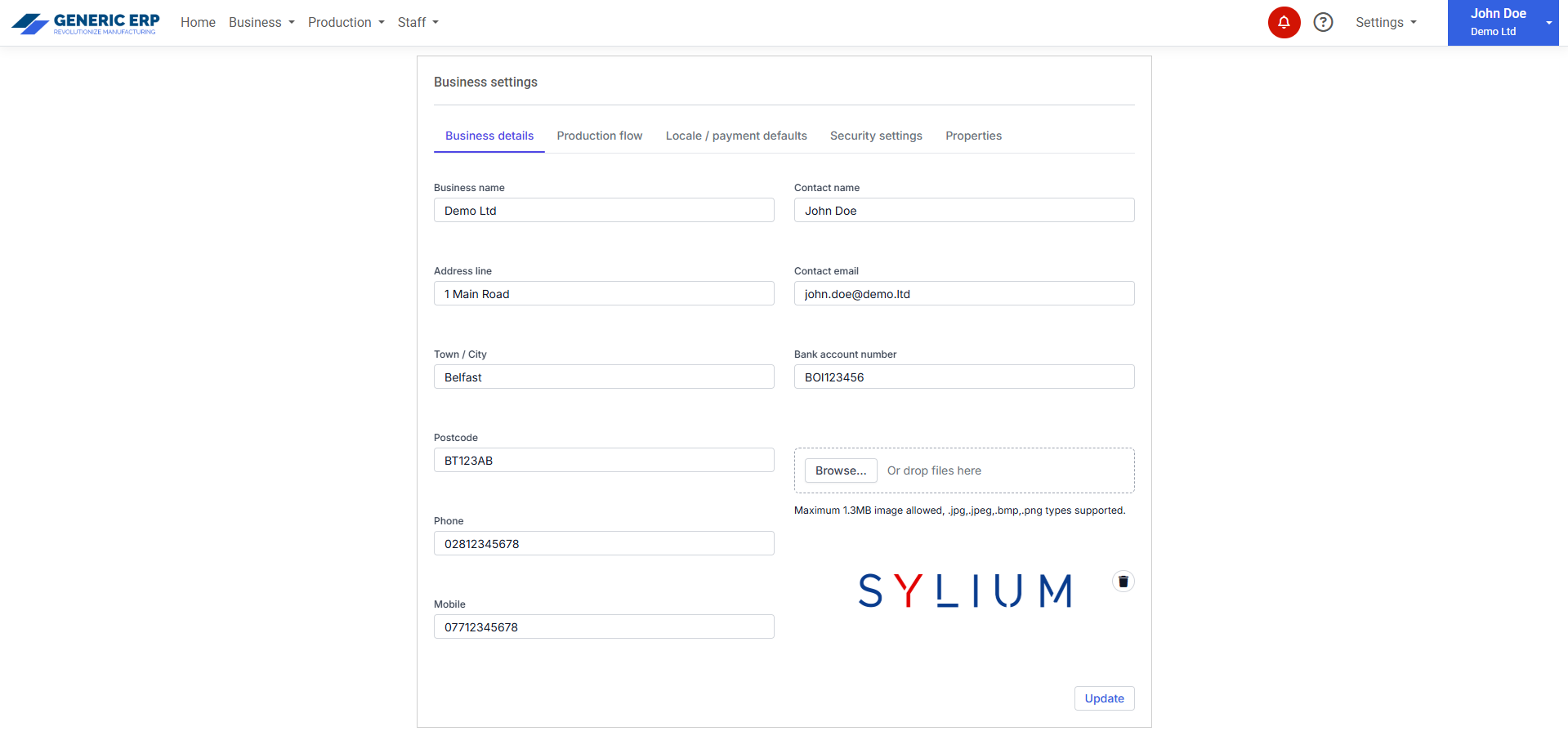
These details appear on all documents like Quotes, Invoices, Purchase orders, Purchases and Delivery notes.

Business details section is dealing with versioning, that means, if these details are changing, they won’t affect previously created documents, only future ones.

Logo image can be jpgjpegbmp and png in format and maximum 1.3MB in size. (This image size allows keeping exported / sent PDF files small for emails and saving storage capacity.)

Business details

Production flow

Production steps can be defined here. These steps will be used during the production.

When checkbox checked in  column, then Production task with the selected Status appears at assigned Employee’s dashboard.
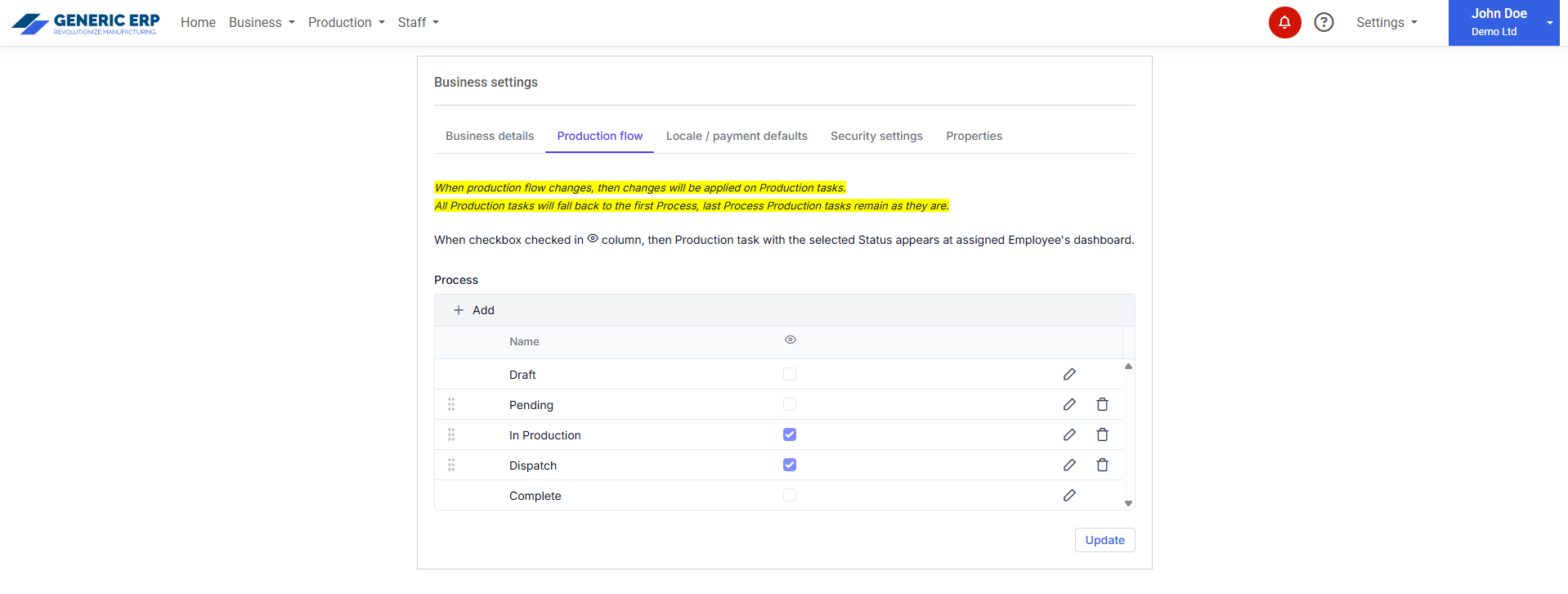
 

Production flow

Locale / payment defaults

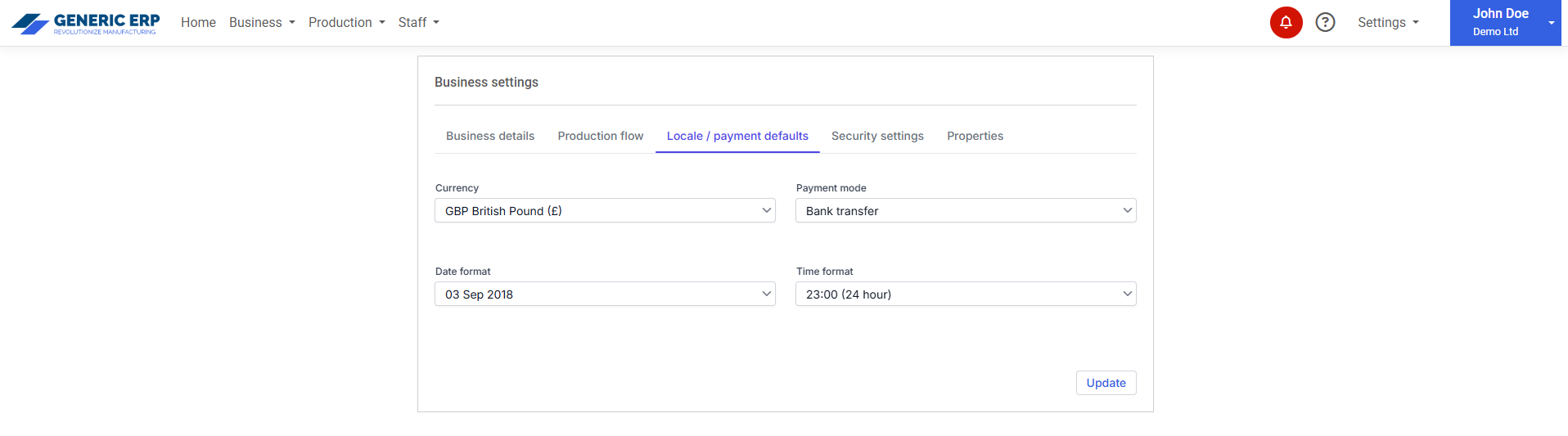
Default trading Currency, Payment mode can be set here, but during the document creation, they can be changed on demand (Quote, Invoice, Purchase order, Bill)

Date and Time format applied along the application, including prints and PDFs.

Locale / payment defaults

Security settings

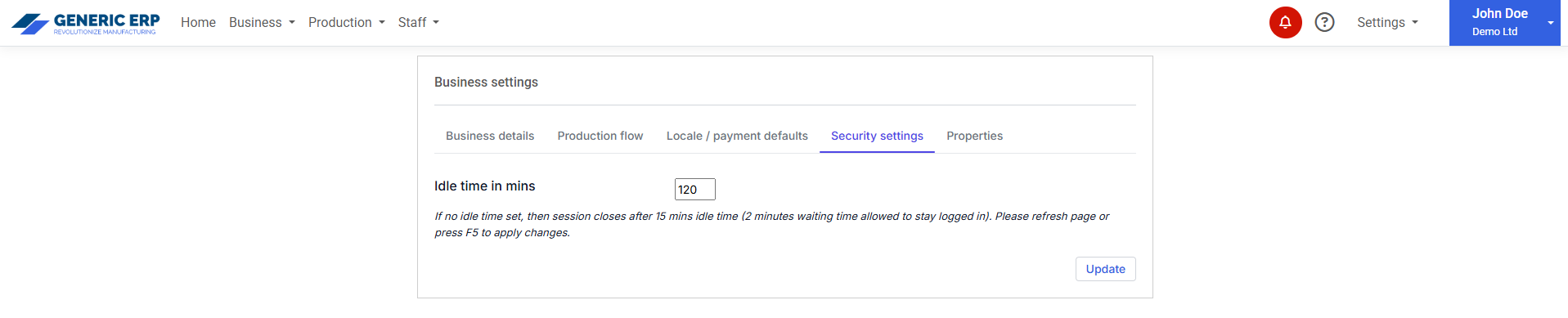
Idle timeout can be set. Minimum is 5 minutes, default is 15 minutes, maximum value is 120 minutes. 

Security settings

Properties

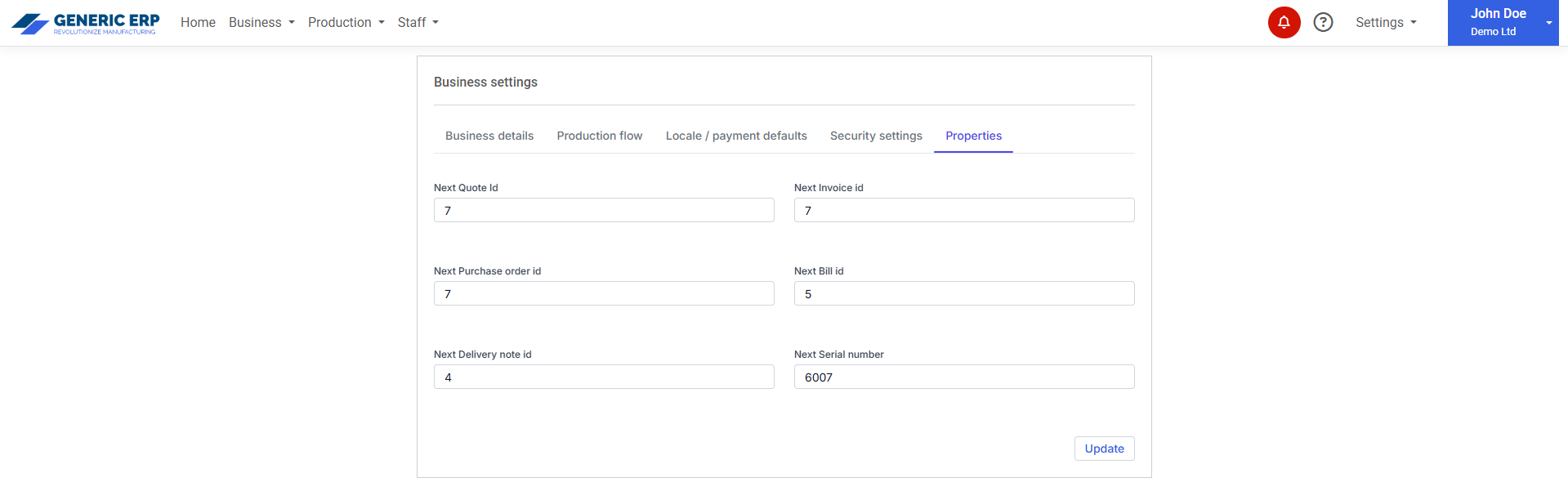
First or next id can be set for 

  • Quotes
  • Invoices
  • Purchase orders
  • Bills
  • Delivery notes
  • Production serial numbers (it applies if serial number is generated by system)

Larger number than current id allowed only.

Properties