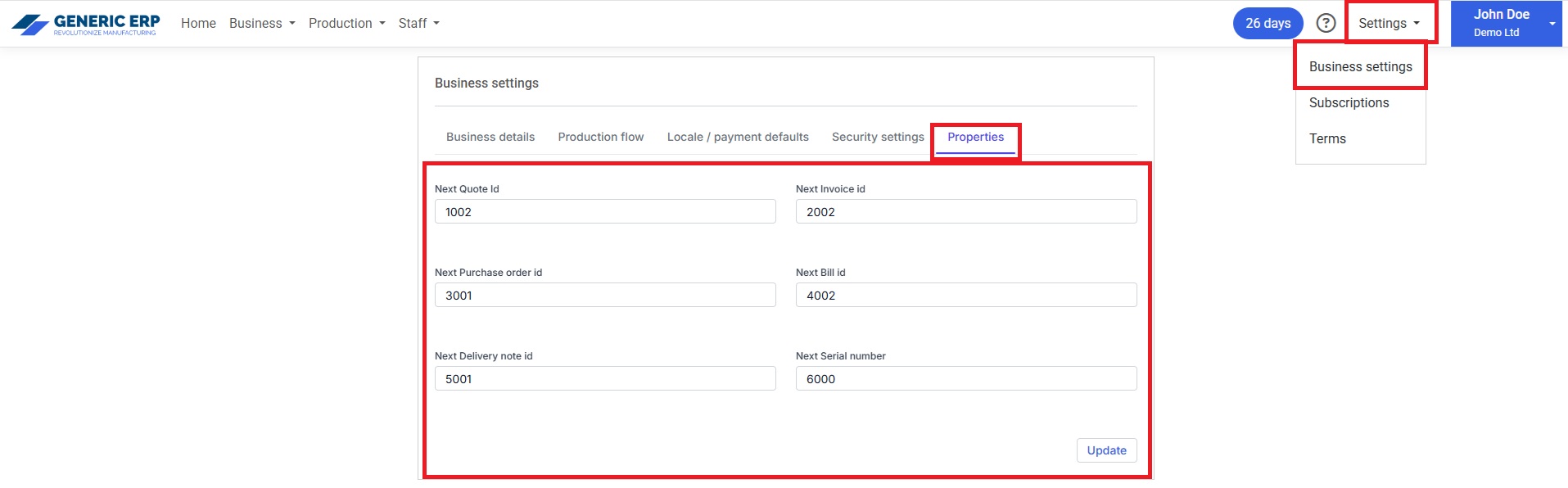
Id settings are available for
- Quotes
- Invoices
- Purchase orders
- Bills
- Delivery notes
- Serial numbers
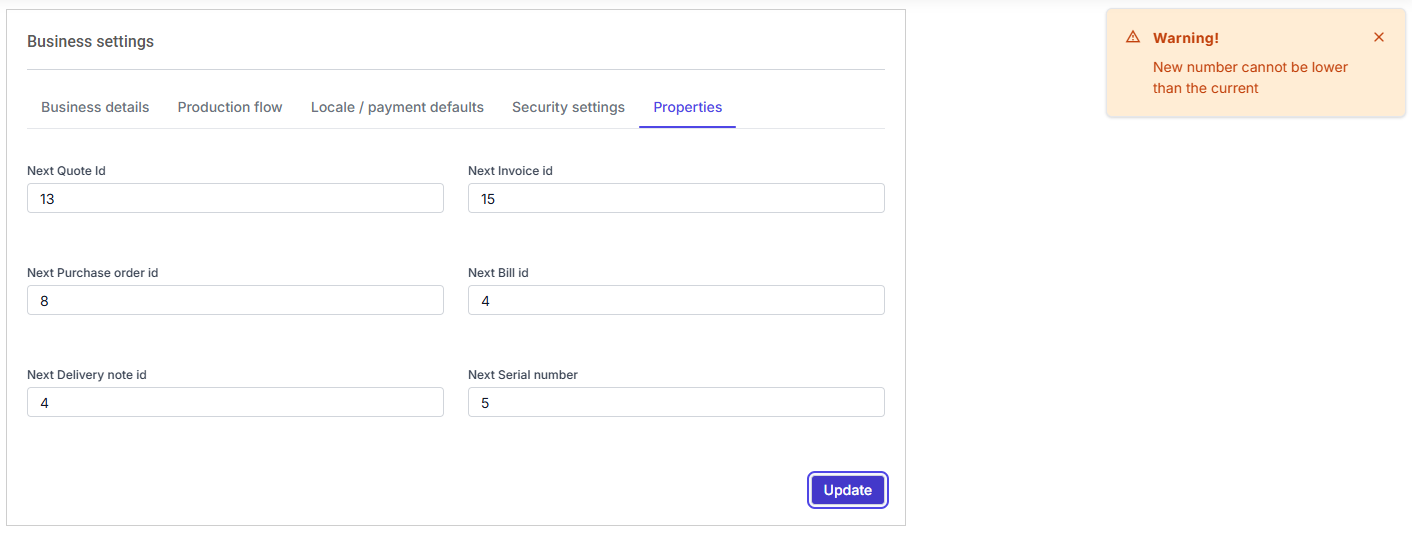
If id is set before record added to the system, then set Id will be the first one, if you want to skip some numbers, then set Id at the beginning, then at the required point, set the next one.
Note: If Id is not modified at the beginning – before records submitted -, then first record Id starts from 00001 (1).
 Generic ERP - Knowledgebase