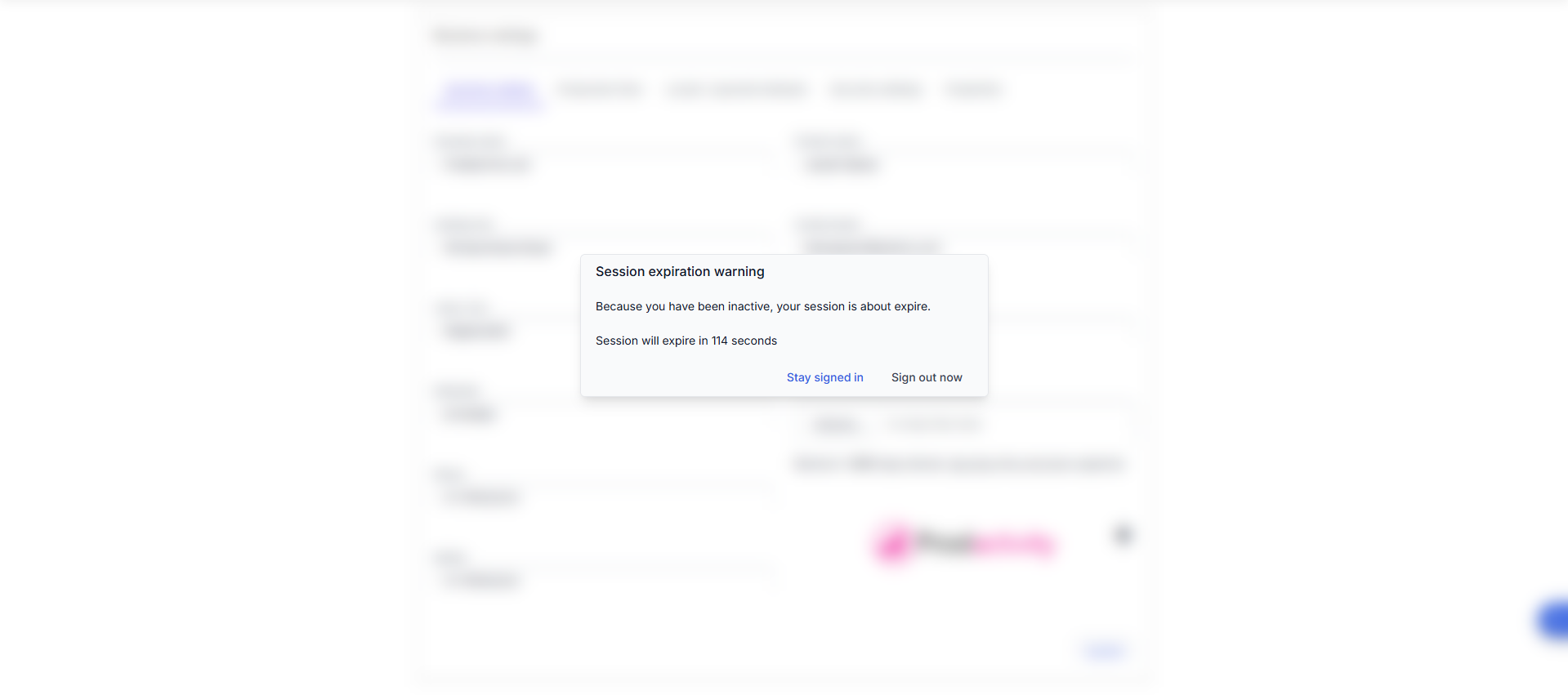
Use idle session timeout to configure a policy on how long users are inactive in your organization before they’re signed out of Generic ERP web app.
This helps protect sensitive company data and adds another layer of security for end users who work on noncompany or shared devices.
Default Idle timeout for Generic ERP is 15 minutes, that can be changed at Settings > Business settings page > Security settings tab.
Timeout must be minimum 5 minutes and maximum 120 minutes.

 Generic ERP - Knowledgebase