Quotes

Quotes table

Create / Update Quote

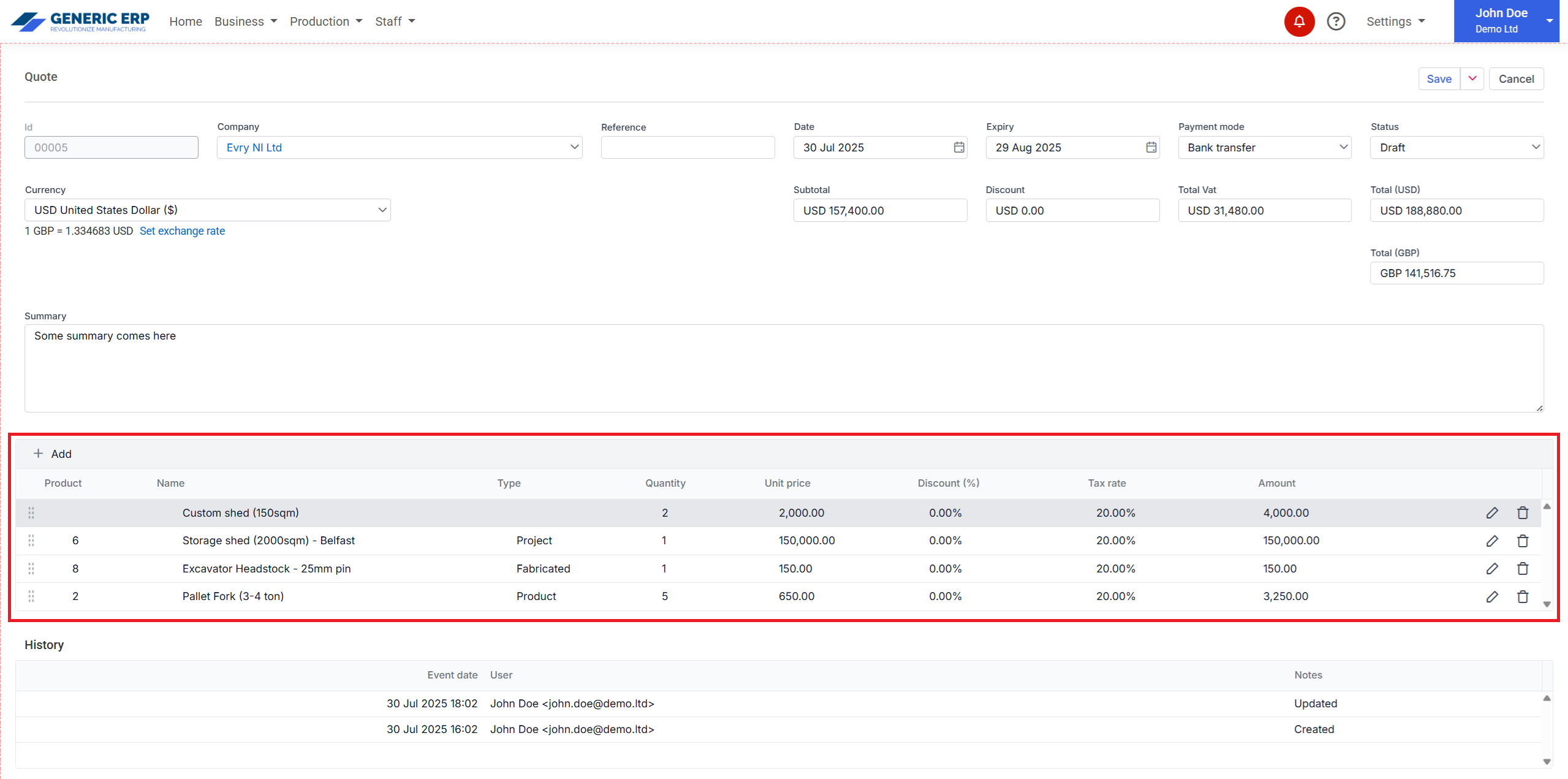
Quote can be created from Product type like

  • Product
  • Project
  • Inventory products

or alternatively it can be entered, but that Product is not tracked and cannot be reused in other documents.

Product and Project type products can go for Production only.

Quote allows to use predefined Customers or custom can be entered in the editor page, that will be inserted into Contact section and can be reused for other documents like Invoice, Purchase orders, etc.
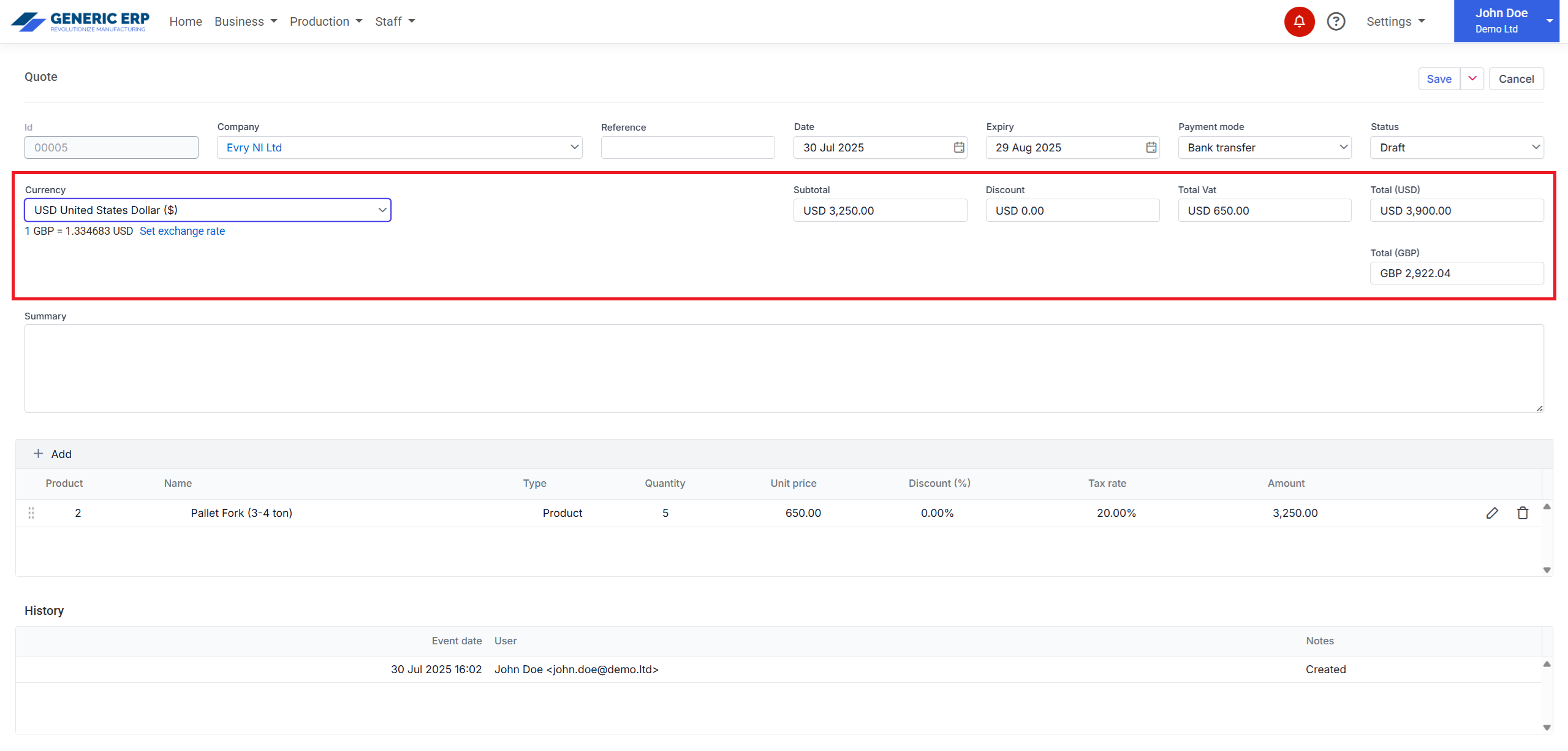
Currency section allows to change required currency, where amounts are calculated by the selected exchange rate.

If exchange rate is not the required one, then can be changed clicking Set exchange rate link.

Currencies are available

  • British Pound (£)
  • Euro (€)
  • US Dollar ($)
  • Australian Dollar ($)
  • Canadian Dollar ($)
Currency section

All types of product available, but only Product and Project types can go to Production.

Note: Inventory stock is affected, when Inventory Product is Invoiced and Invoice marked as Paid.

Products section

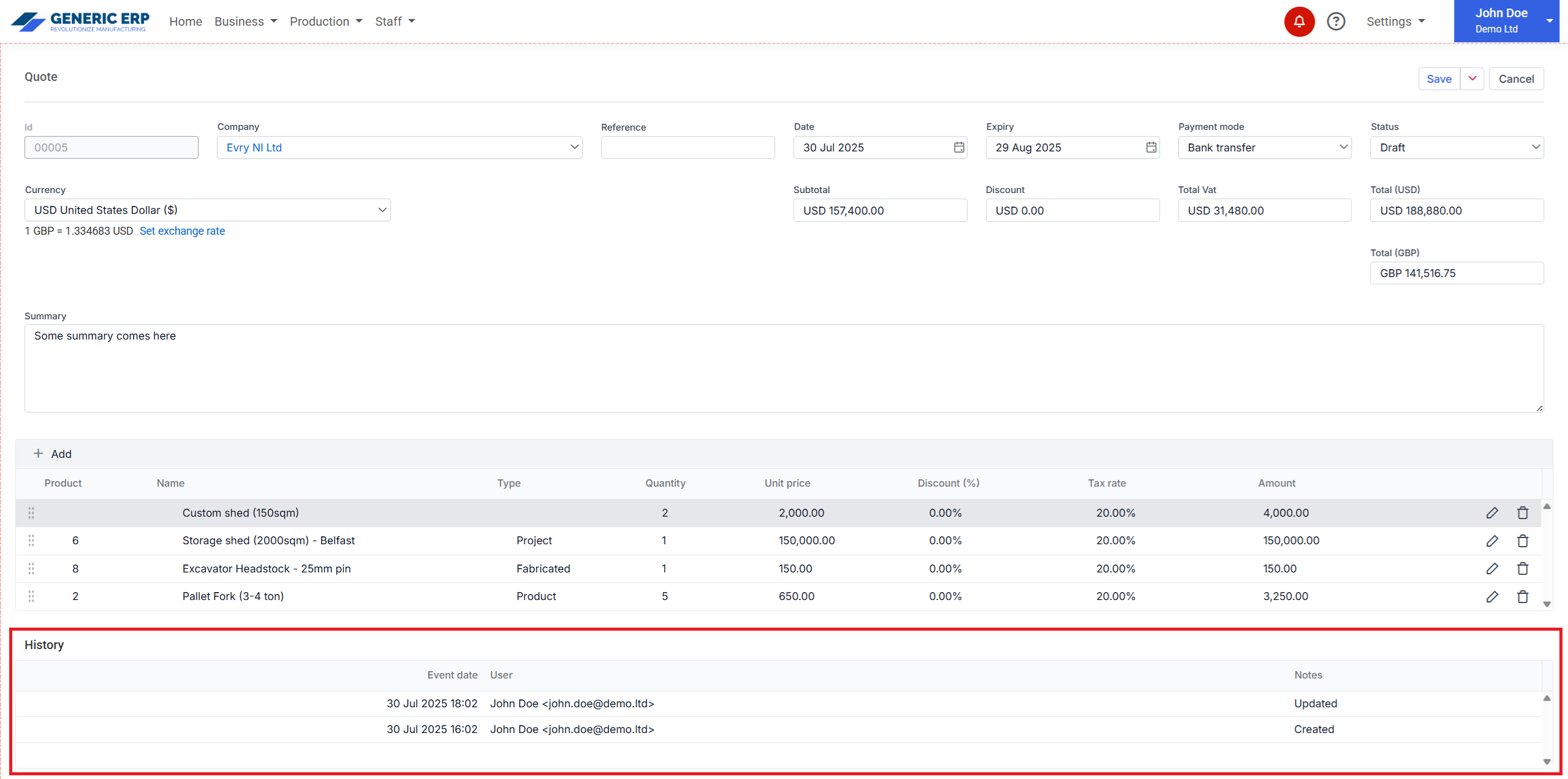
Tracking is available at the History section.

History

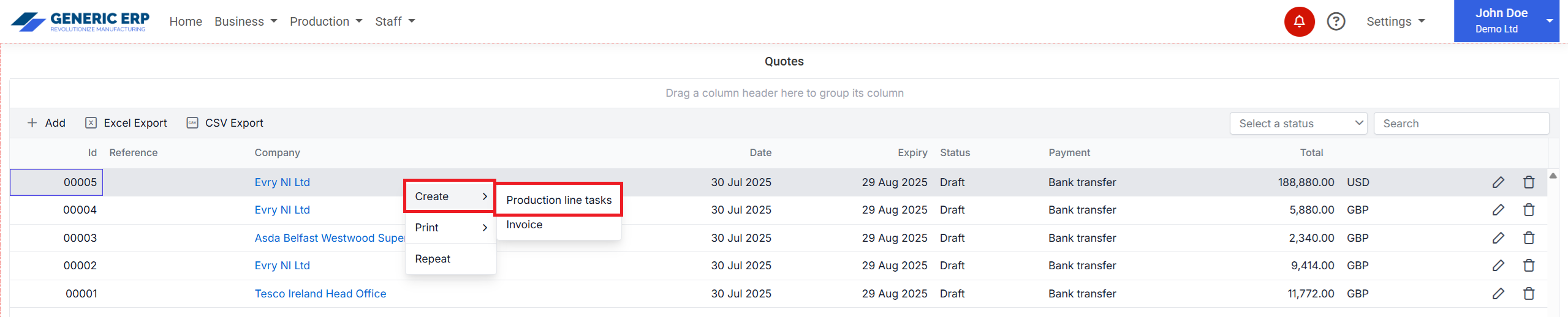
Create Production line tasks


Function is available from the Quote table, through right click over the required record.

Note: Menu item is available while unlinked Products / Projects available on Quote. (Less Quote Product / Project linked to Production tasks, then Quote product quantity)

Create Production line tasks context menu

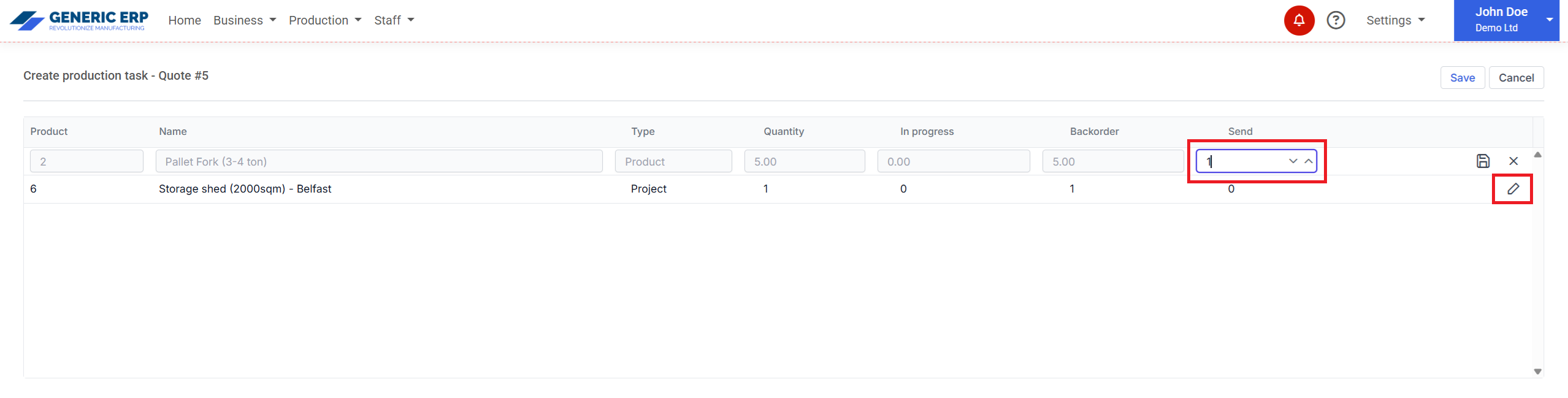
Dialog opens with available Products and Projects, those can be selected to create Production line tasks.

Double click the row, or hit the Edit button at the end of the row.

Select the required Quantity, hit Save button on the row, then hit Save button at the top.

Create production page

Go to the Production > Production line page to find the created records. 

Created Production line record

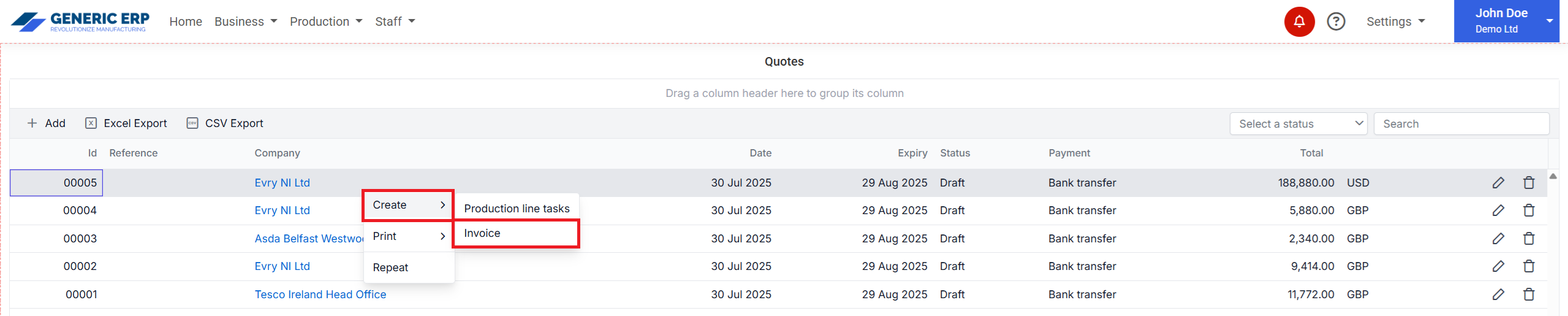
Create Invoice from Quote

Function is available from the Quotes table, through right click over the required record.

Create Invoice context menu

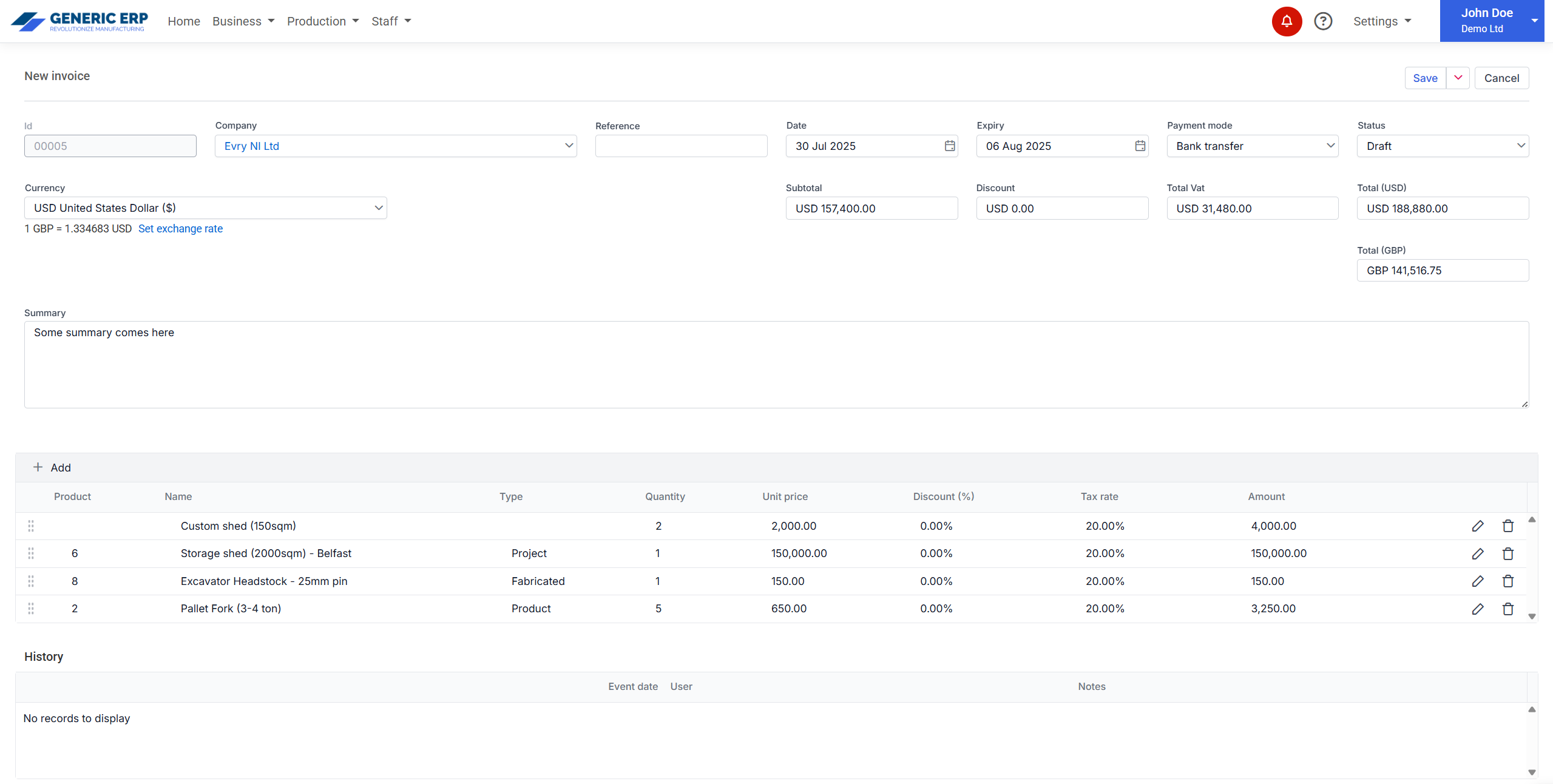
Create Invoice page opens with details of Quote.

Invoice from Quote page

No limitations applied in created Invoice from Quote, so Invoice can be different from Quote and can be duplicated.

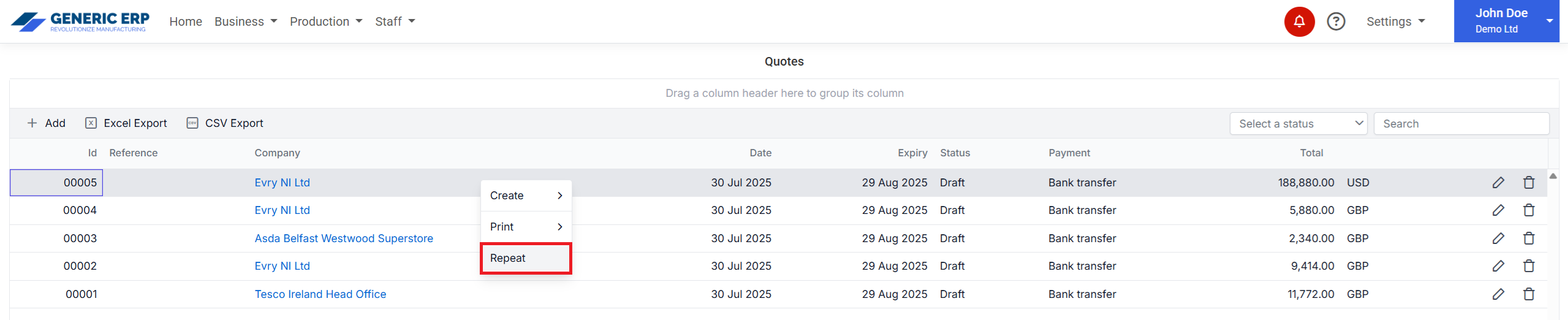
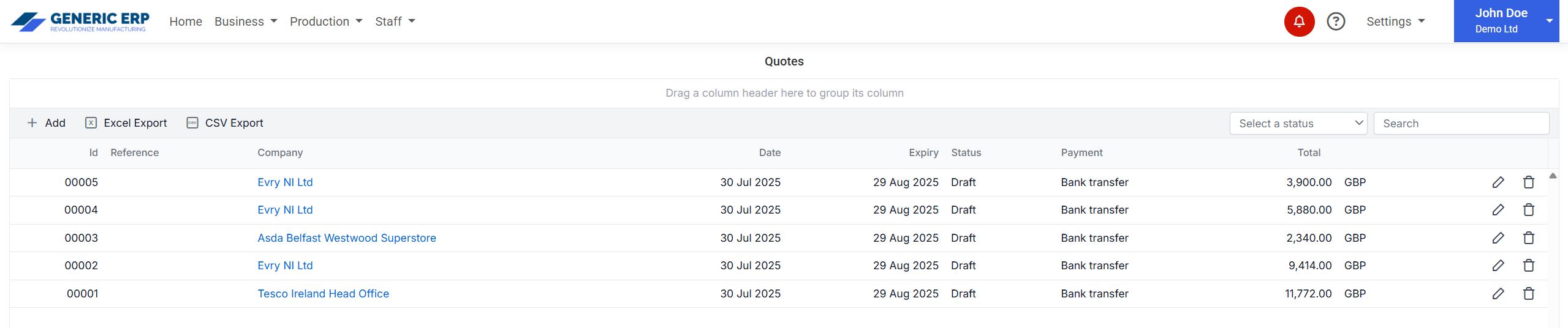
Repeat Quote

Function is available from the Quotes table, through right click over the required record.

Repeat menu