Inventory

Tracked inventory (Products & services) records the quantity and value of stock you have on hand.

Records are highlighted if

  • Stock is low
  • Out of stock

(Based on the minimum quantity, where it’s set)

Inventory product types

  • Purchased: comes from supplier
  • Fabricated: manufactured by your company
  • Service: primarily intangible, meaning it’s an activity, process, or benefit that a business provides to a customer, rather than a physical item
Inventory table

Create / Update Inventory product

Type needs to be selected when Inventory product created, it can’t be modified later.

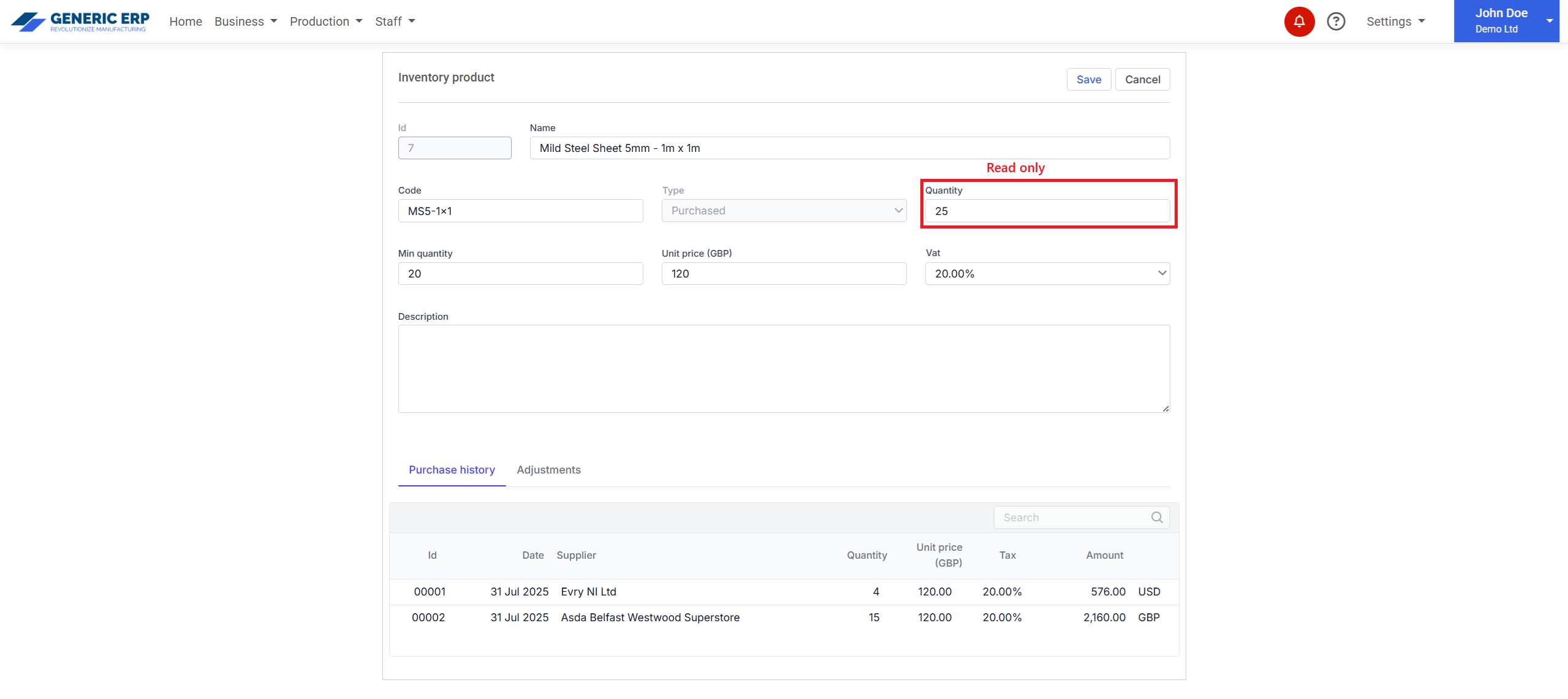
Quantity is not editable, it’s a read only paramater.

Note: Quantity is affected by Invoices, Bills and through manual Adjustment (detailed below at the Adjustment section)
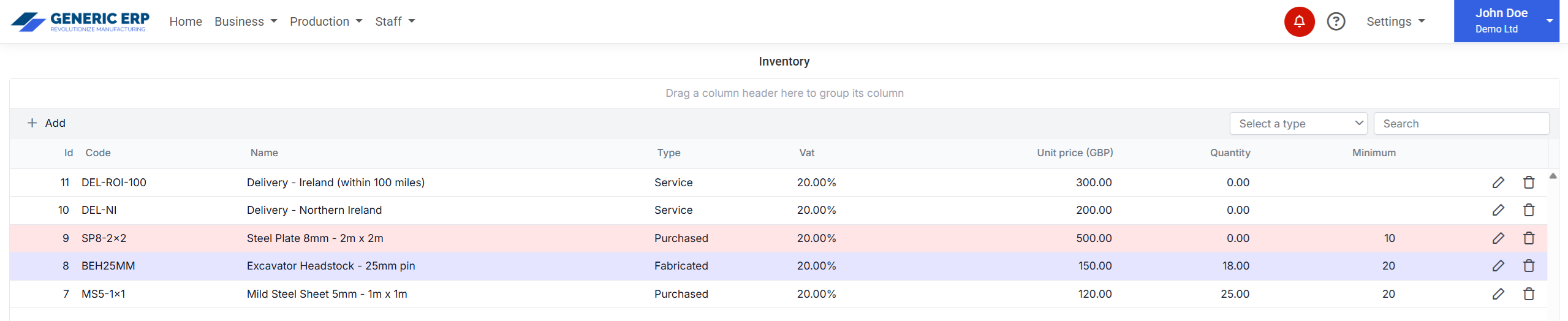
Red background indicates Out of stock, Purple indicates Low stock records.

If Invoice or Bill contains Inventory type Product, then it decreases Product stock quantity, based on it’s status.

For more details please see at Invoices and Bills to pay sections.

Inventory product editor (Quantity is read only)
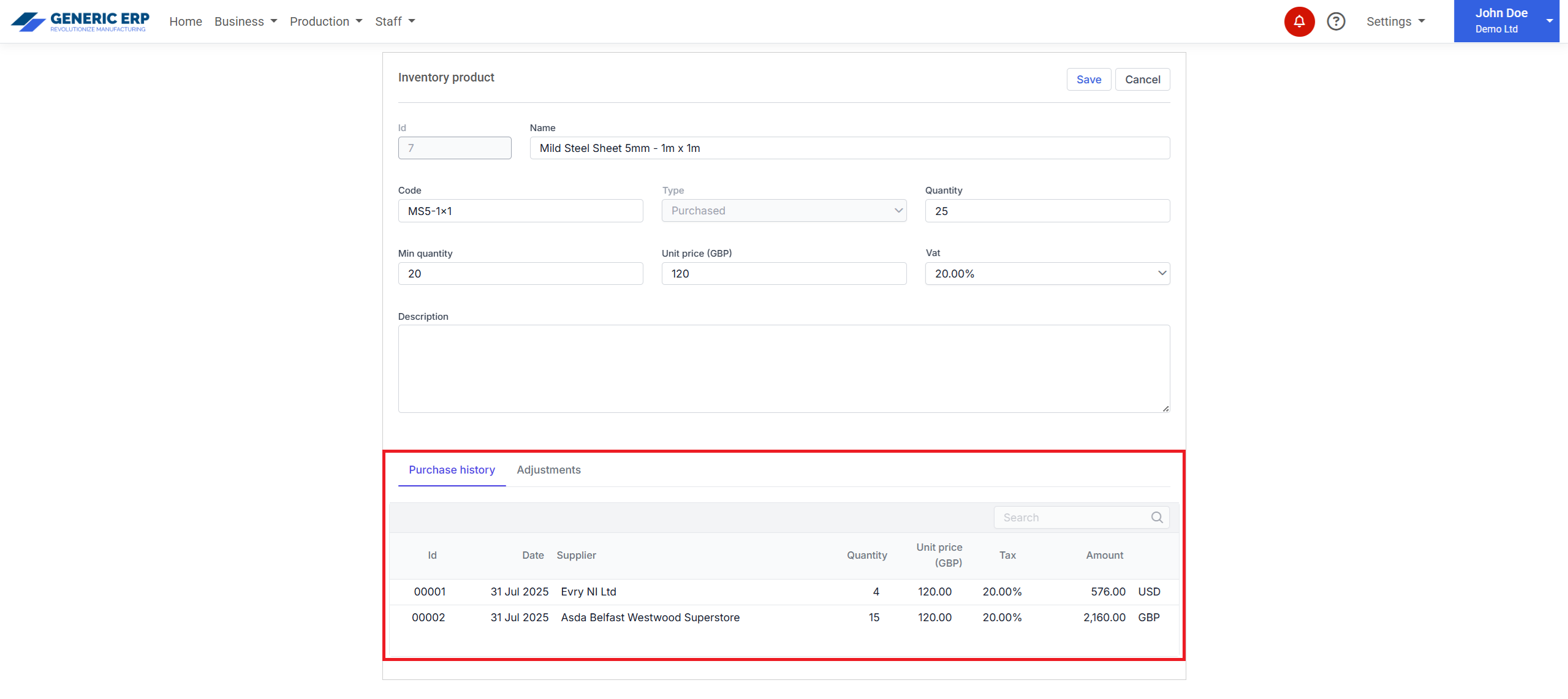
Purchase history section
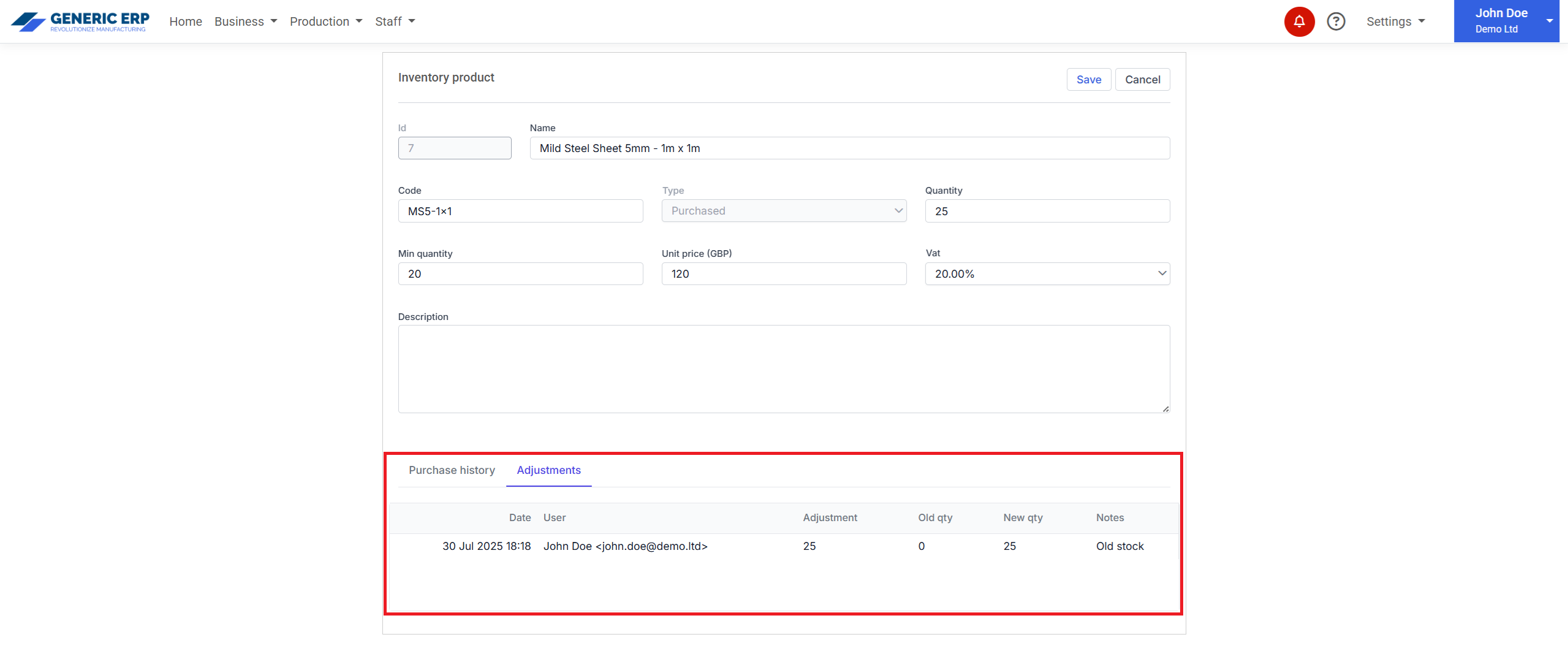
Adjustment history section

Tracking is available at the Purchase history and Adjustments sections.

Adjustment (increase / decrease stock level)

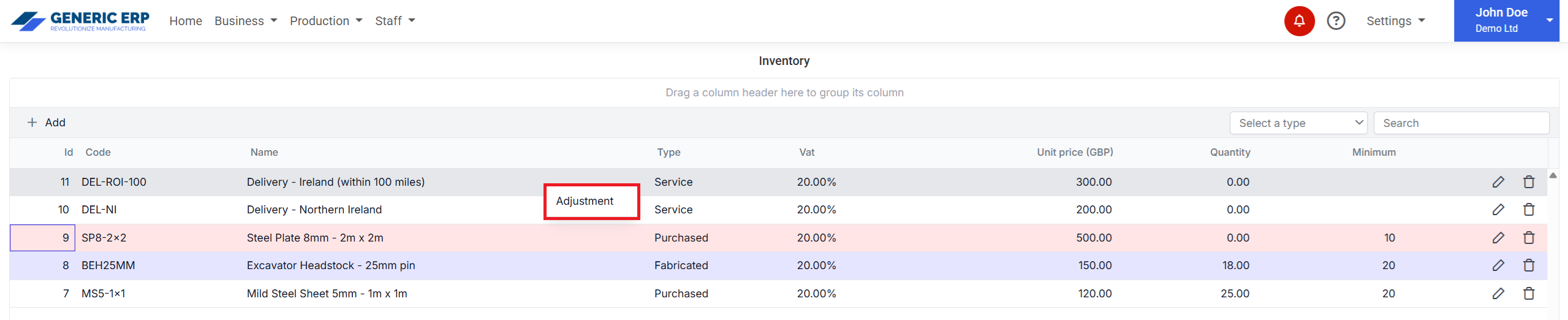
Function is available at the Inventory table, through right click over the required record.

Adjustment context menu

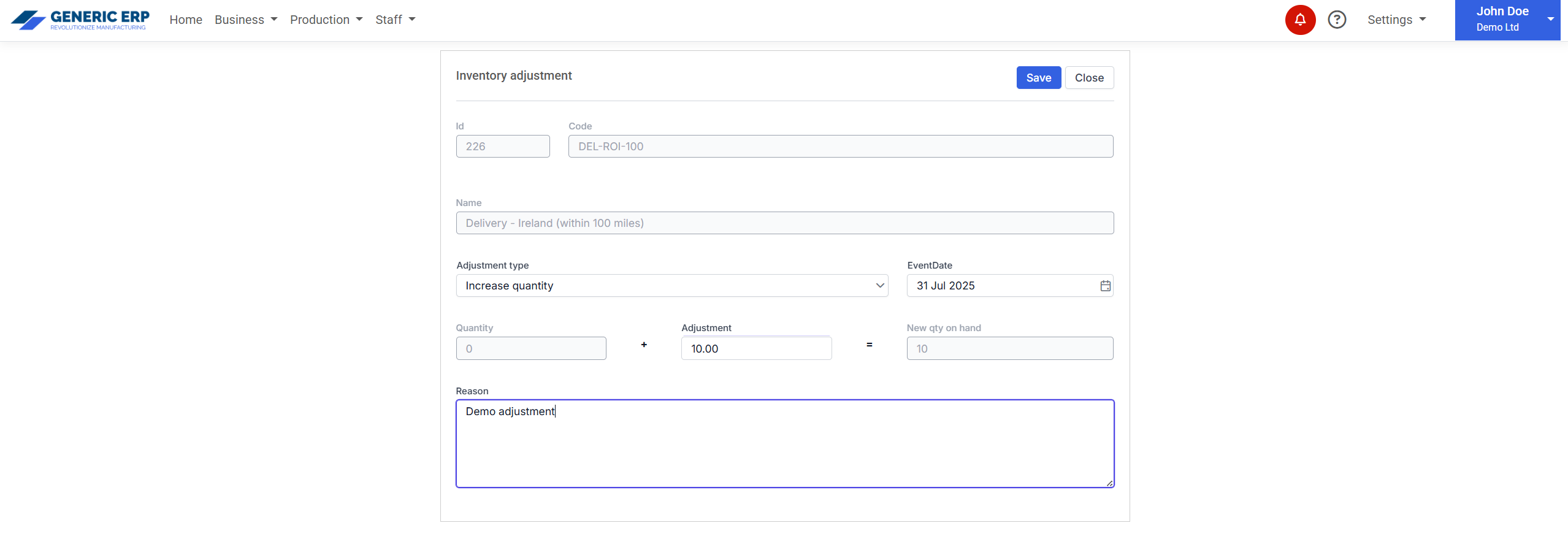
Clicking on Adjustment menu opens Adjustment page where needs to select 

  • Adjustment type: Increase / Decrease quantity
  • Adjustment: required quantity
  • Event date
  • Reason

All parameters are required.

Adjustment page