Create / Update Bill
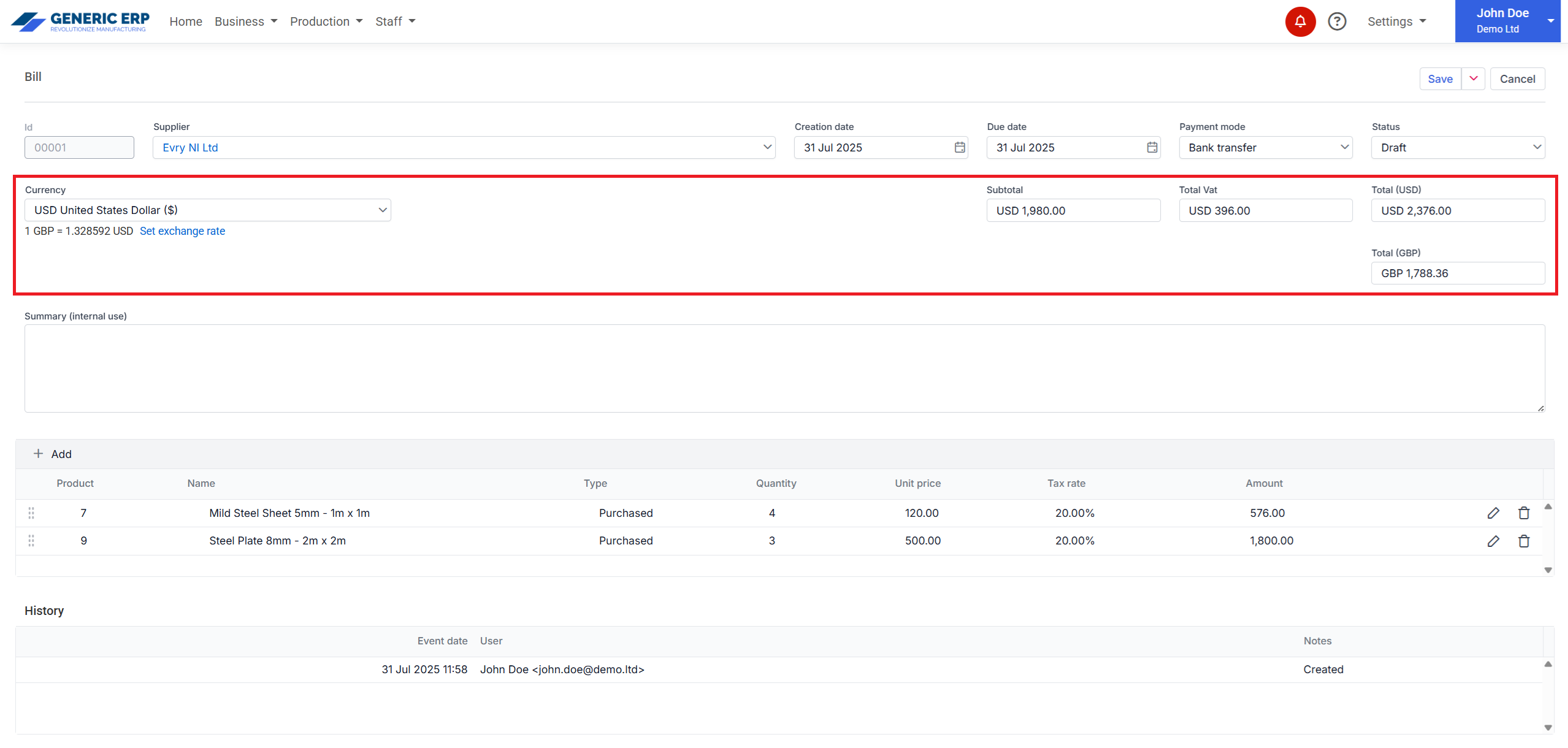
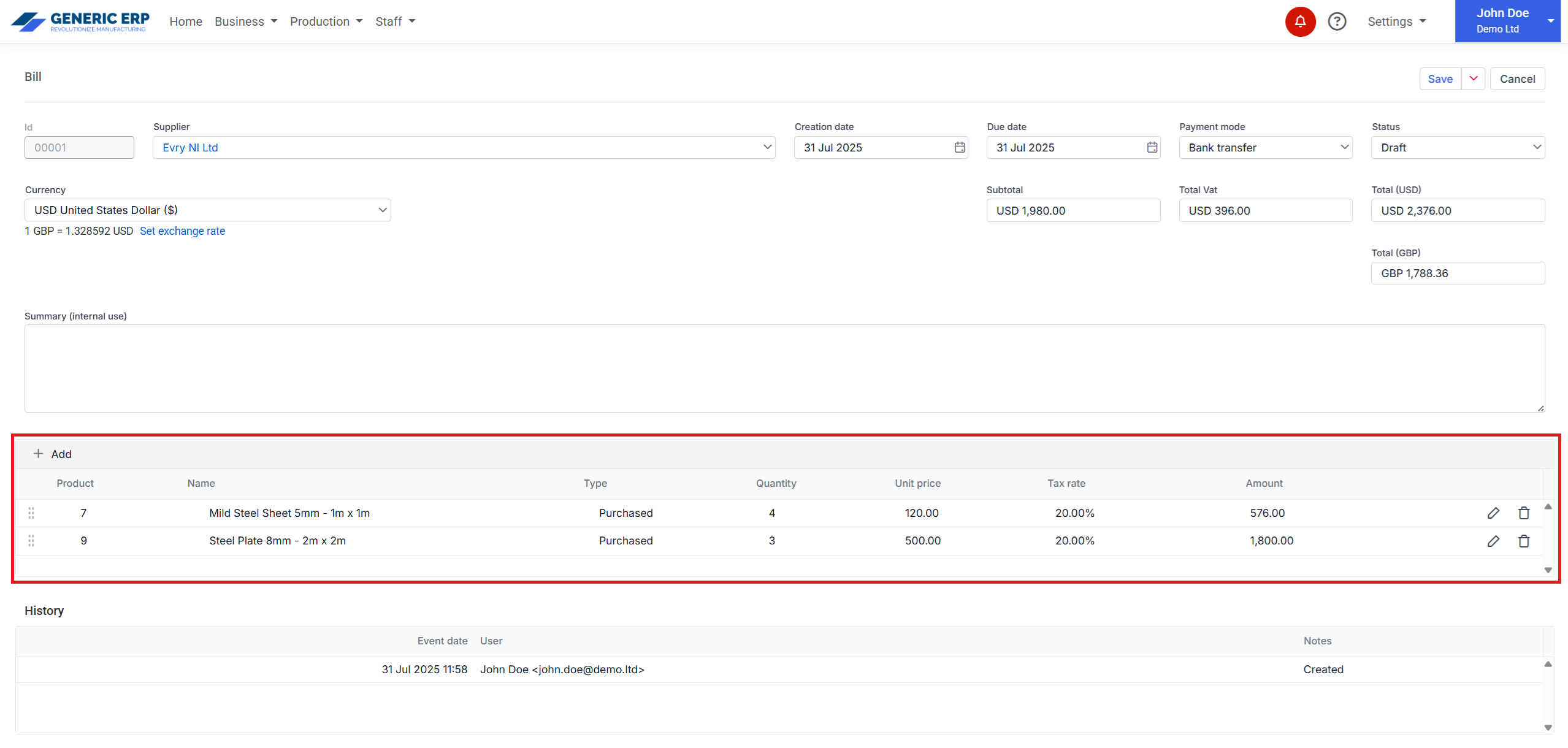
Bill can be created from Purchased Product – Inventory product – type or alternatively it can be entered, but that Product is not tracked and cannot be reused in other documents.
Bill allows to use predefined Customers or custom can be entered in the editor page, that will be inserted into Contacts section and can be reused for other documents like Invoice, Purchase orders, etc.
Note: Inventory stock is affected, when Bill is marked as Paid.

 Generic ERP - Knowledgebase