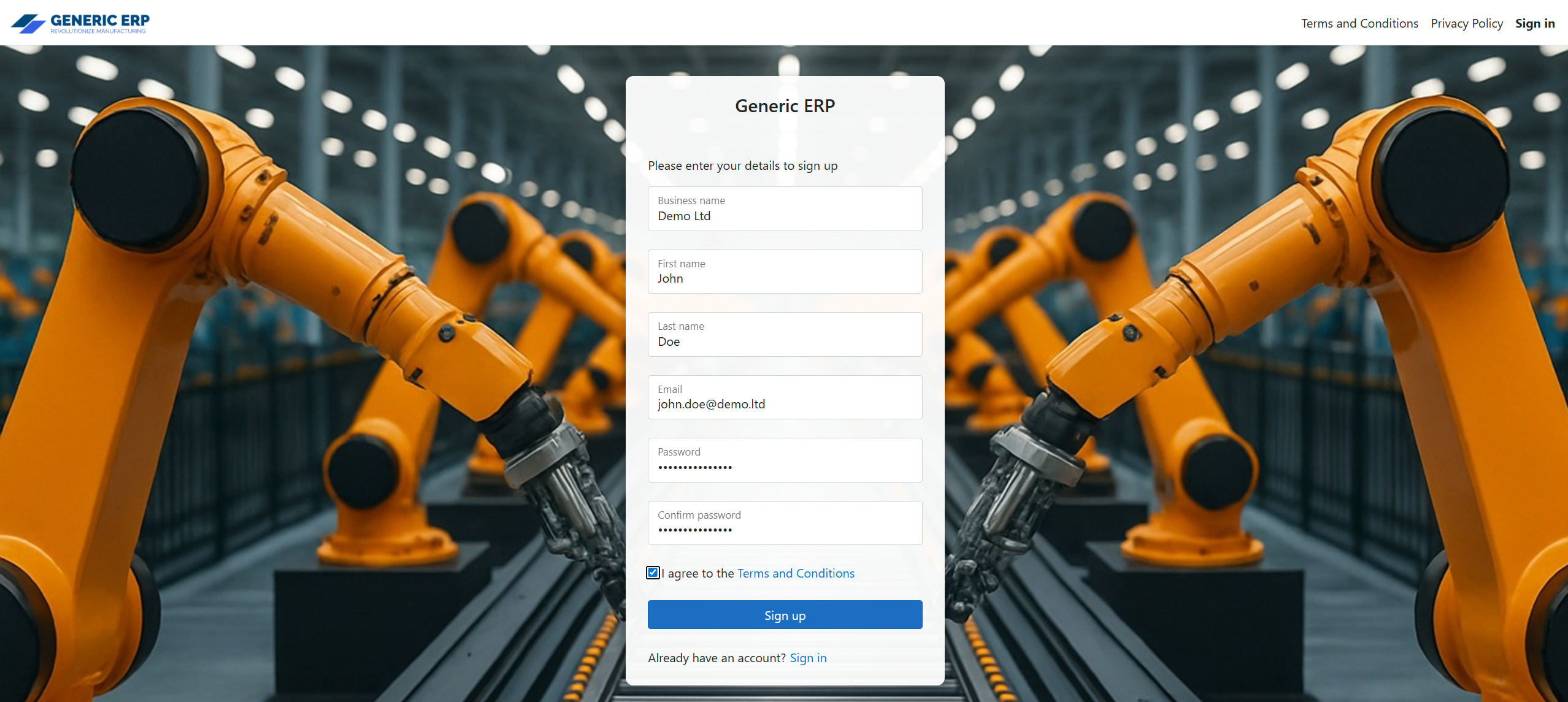
2. Enter your details, create a password, read and agree to the Terms and Conditions and Privacy Policy – available at the header -, then click Sign up.
3. Open the confirmation email from Generic ERP. Check your spam folder if you don’t receive the email within a few minutes.
4. Click Please confirm your account by clicking here

 Generic ERP - Knowledgebase